Fixing Echo in Recordings Made in Untreated Rooms
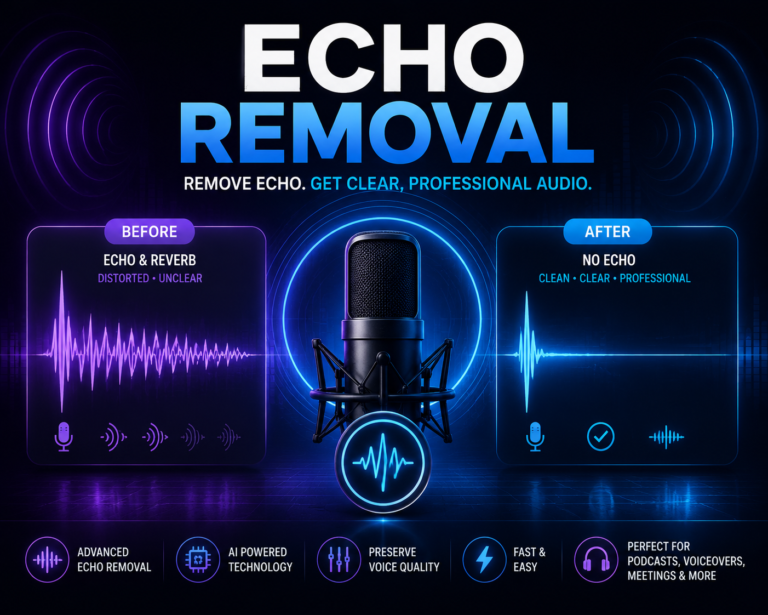
You record a voice memo, a podcast episode, or a client call in a spare bedroom or home office, and it sounds fine while you’re talking. Then you play it back with headphones on and there’s a hollow, boxy quality trailing behind every sentence. That’s room echo, and it’s one of the most common complaints we hear from people recording in spaces that were never built or treated for audio. The good news is you don’t need to redo the recording. This guide covers why untreated rooms cause this specific problem and what can actually be done about it once the file already exists.
- Echo in untreated rooms comes from sound reflecting off hard, parallel surfaces like bare walls and floors
- What most people call “echo” in a small room is technically reverb, not a distinct repeated echo
- AI-based tools can reduce a meaningful amount of this after recording, though physical treatment prevents it entirely
- Severity depends on room size, surface materials, and how far the mic is from the source
Why Untreated Rooms Cause This Problem
Sound doesn’t travel in a straight line from your mouth to the microphone and stop there. It radiates outward in every direction, bounces off walls, ceilings, floors, windows, and furniture, and a portion of those reflections arrive at the microphone slightly after the direct sound. In a room with soft furnishings, carpet, curtains, and irregular surfaces, those reflections get absorbed or scattered enough that they’re barely noticeable. In an untreated room, meaning bare drywall, hardwood or tile floors, and few soft objects to break up the sound, those reflections bounce back cleanly and repeatedly, arriving at the mic as a smeared, hollow trail behind your voice.
Small rooms with hard parallel surfaces, like a spare bedroom with bare walls and a hardwood floor, are often worse than larger rooms, which surprises people. In a small space, reflections have less distance to travel and bounce back to the mic faster and more often, creating that boxy, closed-in sound that’s become the signature of amateur home recordings.
Echo vs Reverb: What You’re Actually Hearing
These two words get used interchangeably, but they describe slightly different things. True echo is a distinct, separately audible repeat of a sound, the kind you’d hear shouting into a canyon and hearing your voice come back seconds later. Reverb is what happens in most rooms, a dense cluster of many reflections arriving so close together in time that your ear perceives them as one smeared, colored tail rather than a separate repeat.
What people usually mean when they complain about “echo” in a home recording is actually reverb. It’s worth knowing the difference because it affects what kind of fix makes sense. True echo, which is rare outside of large empty spaces or hallways, sometimes responds differently to processing than dense reverb does. For most home and office recordings, you’re dealing with reverb, and that’s the more common case this guide focuses on.
Can Software Actually Fix This After Recording?
This is the question everyone asks, and the honest answer is that it depends on how severe the reverb is, but modern AI tools handle this far better than older methods ever could. Reverb is genuinely one of the harder problems in audio restoration because, unlike a fan hum sitting in a narrow frequency band, reverberant reflections share frequency content with the voice itself. The model has to learn to distinguish direct, clear speech from the smeared, delayed copies of that same speech, which is a more nuanced task than separating a voice from mechanical noise.
AI models trained specifically for this can meaningfully reduce reverb by learning what dry, close-mic’d speech sounds like and predicting how to strip away the reflected energy layered on top. Light to moderate reverb, the kind typical of a small bedroom or home office, responds well. Heavy reverb from a large tiled bathroom or an empty room with high ceilings is tougher, and while it can be improved, it’s unlikely to sound fully dry no matter how good the processing is.
How This Differs From Standard Background Noise Removal
It’s worth understanding why this isn’t quite the same task as removing a fan hum or street noise, which we cover in our general background noise removal guide. Ordinary background noise is a separate, ongoing sound source layered under your voice. Room reverb is your own voice, delayed and colored by the space, which makes it acoustically closer to the target signal than external noise is. If you’ve read our post on how noise reduction works, you know the model predicts a mask separating speech from noise. Reverb removal requires a model trained more specifically to recognize the difference between direct and reflected speech, which is why not every noise reduction tool handles echo and reverb equally well. Our dedicated guide on removing echo from audio goes deeper into the processing side of this if you want the fuller technical picture.
Cleaning Up a Recording You Already Have
If the recording already exists and re-recording isn’t an option, here’s the practical path forward:
- Export the audio in the highest quality format available rather than a heavily compressed version
- Run it through an AI tool trained to handle reverb and room echo specifically, not just steady background noise
- Listen back on headphones rather than laptop speakers, since reverb artifacts are easier to catch that way
- Compare a few sections of the file, including quieter passages, where reverb tends to be more noticeable
- If the result still sounds slightly boxy, that’s expected for heavier reverb cases, and a second lighter EQ pass can sometimes help smooth out remaining resonance
If your recording also has other issues layered on top, like a fan running in the background or inconsistent volume between speakers, it’s worth handling those separately. Our post on removing fan noise from recordings and our comparison of manual versus AI noise removal both cover related scenarios that often show up in the same untreated-room recordings.
Preventing It Next Time
Cleanup tools help with what you’ve already recorded, but prevention is always going to sound better than correction. A few low-cost changes make a noticeable difference in an untreated room. Recording in a smaller, more furnished space, like a closet full of clothes or a room with a bed and curtains, absorbs far more reflected sound than an empty bedroom. Hanging thick blankets or moving furniture pads near the recording spot works as a budget substitute for real acoustic panels. Moving the microphone closer to your mouth also helps, since a closer mic picks up proportionally more direct sound relative to the room’s reflections, which naturally reduces how much reverb ends up in the recording to begin with.
If audio quality matters for your work, whether that’s podcasting, voiceover, or client-facing calls, our post on sound quality issues for voice actors covers several of these same setup principles in more detail.
When Echo Removal Has Limits
It’s worth setting realistic expectations. A recording made in a large, hard-surfaced room, like an empty living room with vaulted ceilings or a tiled bathroom, is going to carry heavier reverb than software can fully erase. AI processing can noticeably improve clarity and reduce the boxy quality, but if the goal is a completely dry, studio-quality result from a heavily reverberant space, some limitations remain. In those cases, a combination of processing and light background music or ambient sound in the final mix can sometimes help mask what remains, depending on the type of content.
Multiple overlapping issues also compound the difficulty. A recording with both heavy reverb and background noise, common in echoey rooms near a street or shared building, takes more processing to clean up than either problem alone, and expectations should be adjusted accordingly.
Choosing the Right Tool for the Job
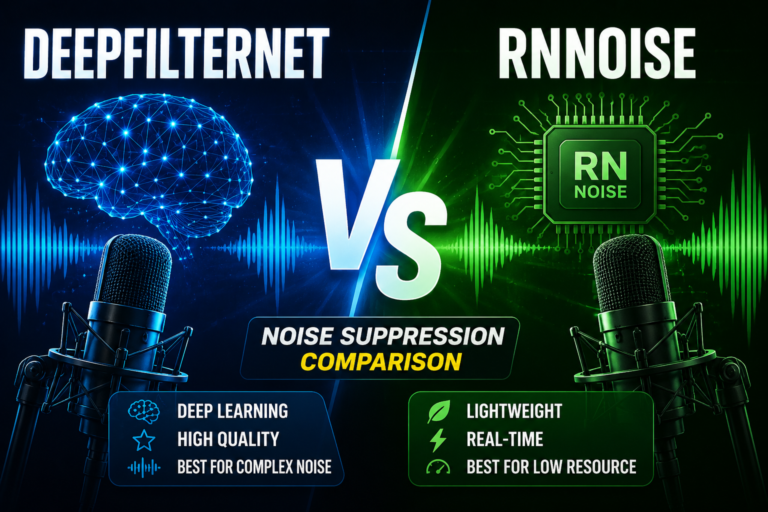
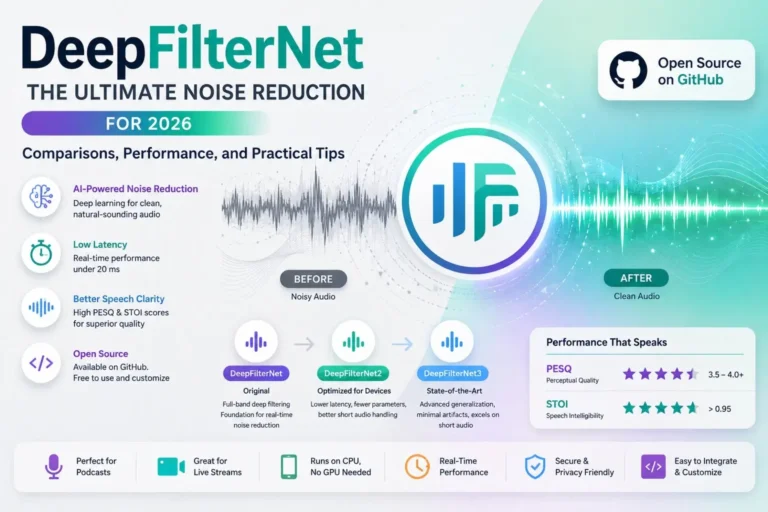
Since not every noise tool is built with reverb in mind, it’s worth checking that whatever you’re using is actually trained for this specific case rather than general noise. Our roundup of the best free online noise reducers notes which tools handle reverb well versus which are better suited to steady background noise, and our technical comparison of DeepFilterNet versus RNNoise explains why some models perform better on reverberant audio than others. If the recording is also headed for transcription afterward, our guide on transcribing audio to text is a useful next step, since reduced echo tends to noticeably improve transcription accuracy as well.