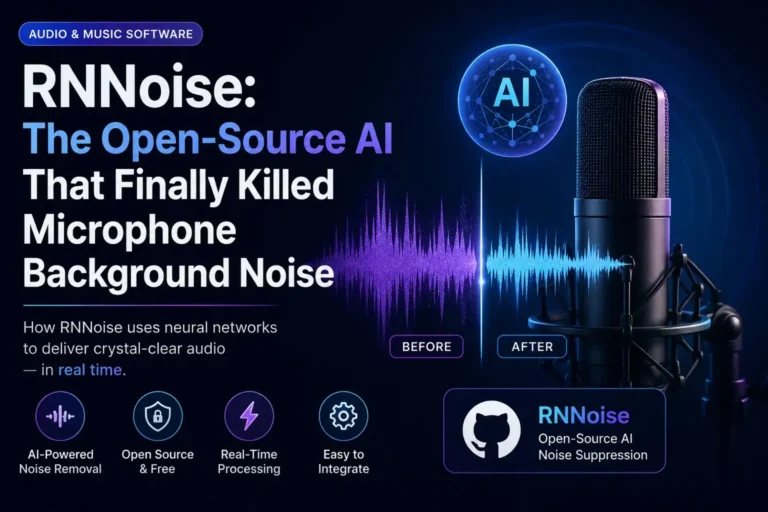
How to Remove Background Noise from Audio (Ultimate 2026 Guide)
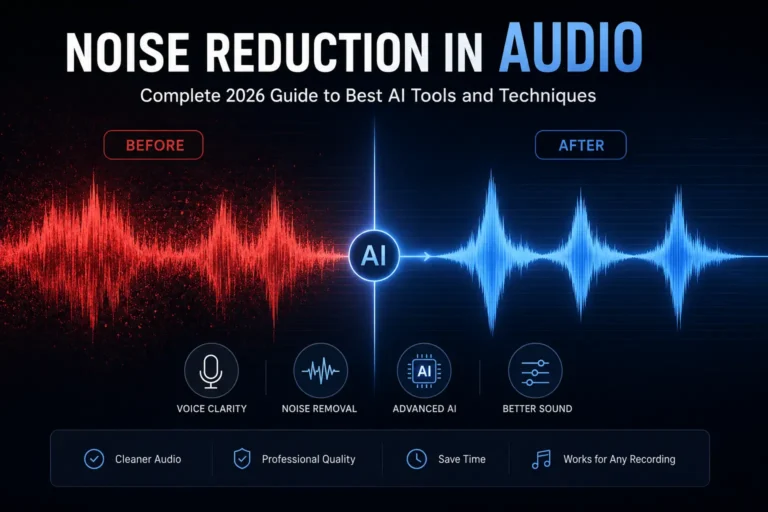
Bad audio kills good content. It does not matter how sharp your script is or how well-lit your video looks — if the listener is fighting through hiss, hum, or echo, they will leave. Background noise is the single most common audio problem content creators, remote workers, and podcasters deal with. This guide covers how to remove it properly — not just slap a noise gate on it, but actually clean it so it sounds like it was recorded in a treated room.
- Background noise falls into predictable categories — identifying yours first saves time
- AI-based noise removal outperforms manual methods for most real-world recordings
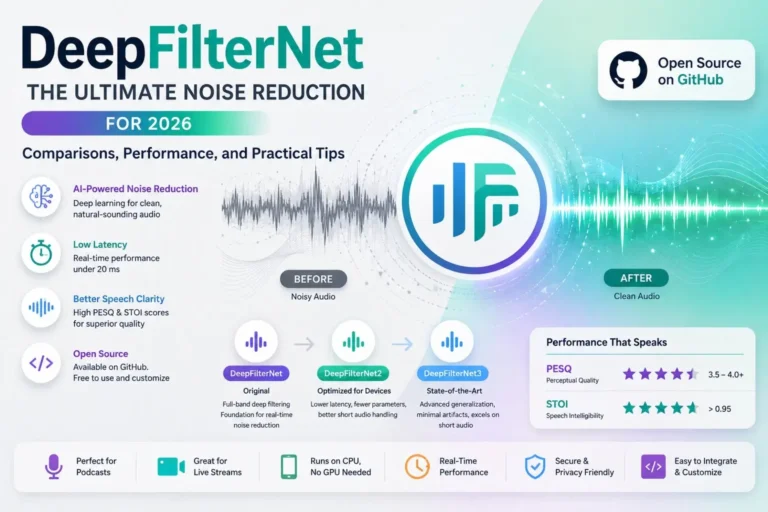
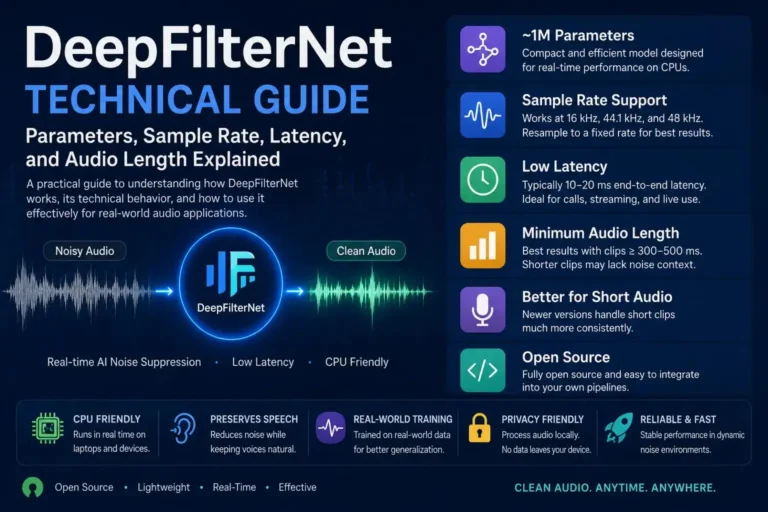
- Noise Reducer AI uses DeepFilterNet, one of the highest-rated open-source noise suppression models
- You can clean most audio files in under 60 seconds without installing any software
What Counts as Background Noise
Most people treat background noise as one problem. It is not. The type of noise you are dealing with determines which removal approach will actually work.
Stationary Noise
HVAC hum, fan whir, microphone hiss — these have a steady profile that does not change over time. This is the easiest category to remove because the algorithm can build a reliable noise model from a silent section and subtract it throughout.
Non-Stationary Noise
A dog barking, a door slamming, keyboard clicks, traffic that spikes when a truck passes — these cannot be handled with a simple noise print. This is where traditional tools like Audacity genuinely struggle and where deep learning models earn their keep.
Reverberation
Technically not noise in the signal-processing sense — it is your voice reflecting off walls and arriving at the microphone milliseconds after the direct sound. Dedicated dereverberation is a separate process from noise reduction, though some modern AI models handle both simultaneously.
The Fastest Method: AI Noise Removal Online
For most creators, the fastest path from noisy audio to clean audio is an online AI tool. No plugin installation, no DAW required, no learning curve. Noise Reducer AI processes audio using DeepFilterNet, a neural network built specifically for real-world speech enhancement.
- Go to noisereducerai.com and click the upload area
- Select your audio file — MP3, WAV, M4A, FLAC, OGG supported
- The AI processes automatically with no settings to configure
- Preview the cleaned audio in the browser before downloading
- Download the processed file in your original format
How to Remove Background Noise in Audacity
Audacity is the most widely used free audio editor and its noise reduction tool works well for stationary noise. See our full breakdown in Manual vs AI Noise Removal.
- Open your audio file in Audacity via File, Import, Audio
- Find a section with only background noise and no speech
- Select that section, go to Effect, Noise Reduction, Get Noise Profile
- Select all with Ctrl+A then return to Effect, Noise Reduction
- Set Noise Reduction to 12-18 dB, Sensitivity around 6, Frequency Smoothing to 3
- Play back the result — if it sounds watery, undo and reduce the Noise Reduction value
AI vs Manual Noise Reduction
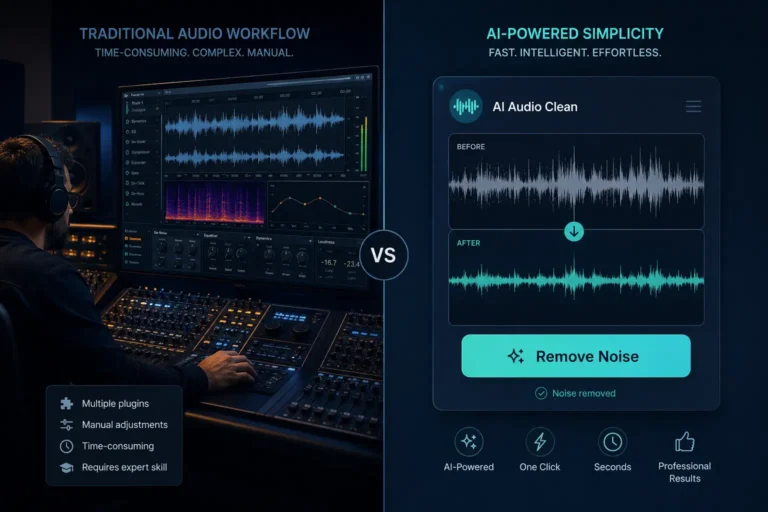
For most creators in 2026, AI-based noise removal is faster, produces better results, and requires zero technical knowledge. The one scenario where manual wins is a completely offline workflow where audio cannot leave a local machine.
AI Noise Removal
- Handles stationary and non-stationary noise
- No manual profile selection required
- Processes in seconds
- Preserves voice clarity better than spectral methods
Manual (Audacity)
- Requires a clean noise sample to work
- Struggles with intermittent noise
- Risk of artifacts if over-applied
- Works completely offline
Background Noise by Environment
| Noise Type | Category | Best Method | Difficulty |
|---|---|---|---|
| HVAC / AC hum | Stationary | AI or Audacity | Easy |
| Microphone hiss | Stationary | AI noise removal | Easy |
| Keyboard clicks | Non-stationary | AI (DeepFilterNet) | Moderate |
| Traffic noise | Non-stationary | AI noise removal | Moderate |
| Echo / reverb | Reverberation | Dereverberation AI | Hard |
Why Your Recording Environment Matters More Than Any Tool
Every noise removal tool works better when it has less work to do. A recording with moderate hum will come out clean. A recording that sounds like it was captured inside a running dishwasher is genuinely difficult to save.
Get Closer to the Microphone
Doubling your proximity to the mic quadruples the signal-to-noise ratio. Environmental noise does not get louder when you move closer, but your voice does. Most podcasters and YouTubers record too far away from their microphone.
Turn Off Noise Sources You Control
AC units, desktop fans — turn them off for the duration of the recording. Removing HVAC hum you did not capture in the first place takes zero processing time.
Use a Directional Microphone
Cardioid and supercardioid polar patterns reject sound coming from the sides and rear significantly. A budget cardioid condenser picks up far less room noise than an omnidirectional lavalier.
The Technology Behind AI Noise Removal
Traditional spectral subtraction — the method Audacity uses — estimates the noise power spectrum from a silent section and subtracts it. The fundamental limitation is that it assumes noise is consistent. Real-world noise is not.
Deep learning models like DeepFilterNet are trained on thousands of hours of audio with every combination of noise type and acoustic environment. The model learns to predict what clean speech should sound like given a noisy input. For a deeper look, see our comparison of RNNoise vs DeepFilterNet.