Noise Reducer AI vs Krisp: Full Comparison 2026
Let’s get the most important thing out of the way first.
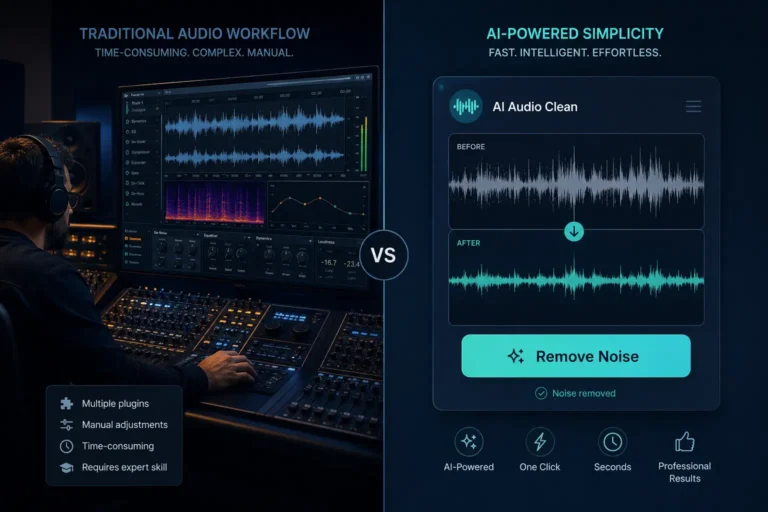
Noise Reducer AI and Krisp are not really competing for the same user. They solve different problems at different stages of the audio workflow. One cleans up files after you record. The other prevents noise from getting into your call in the first place.
Understanding that difference will save you from downloading the wrong tool, paying for the wrong subscription, or wondering why one doesn’t do what the other does. This comparison breaks both tools down completely — what they do, what they don’t, who they’re built for, and when to use one over the other. No filler. No generic tech specs copy-pasted from the homepage.
Quick Summary — The Core Difference
🎙️ Noise Reducer AI: Upload a recorded audio or video file. The AI cleans up background noise — fan hum, traffic, keyboard clicks, echo, music bleed — and gives you back a clean file. It’s a post-processing tool. You record first, then clean it up.
🎧 Krisp: Install a desktop app. It sits between your microphone and your communication software and removes noise in real time — during the call, before it reaches the other person. It’s a live tool. There’s nothing to upload because it works as you speak.
In short: Noise Reducer AI is for cleaning files. Krisp is for cleaning calls.
If you’ve already recorded something noisy, Krisp won’t help you. If you want noise-free live calls, Noise Reducer AI won’t help you either. Both are good at what they do — they just do different things.
Full Feature Comparison
Feature / Category | Noise Reducer AI | Krisp |
|---|---|---|
Primary purpose | Post-processing — clean up recorded audio & video files | Real-time — cancels noise live during calls and meetings |
Use case fit | Podcasters, YouTubers, vloggers, journalists, creators | Remote workers, call centers, sales teams, online meetings |
Works on | Uploaded files (any device, any browser) | Desktop app (Windows & Mac) — live mic & speaker |
Noise removal method | AI post-processing via DeepFilterNet | On-device real-time AI processing (sub-20ms latency) |
Video file support | ✅ MP4, MOV, MKV — process video directly | ❌ Audio only — no video file processing |
File upload support | ✅ Upload and clean any audio/video file | ❌ Not a file processor — live calls only |
Real-time call noise cancel | ❌ Not designed for live calls | ✅ Best-in-class — works with 800+ apps |
Two-way noise removal | ❌ Processes your file only | ✅ Removes noise from both sides of the call |
Supported formats | MP3, WAV, FLAC, M4A, OGG, AAC, MP4, MOV, MKV | Works as a system audio driver — any app that uses audio |
Free tier | ✅ Free — process files up to 10 min | ⚠️ Free — 60 min/day noise cancellation only |
Paid plan starts at | Affordable — see pricing page | $8/month (annual) — $16/month (monthly) |
AI meeting notes | ❌ Not included | ✅ Transcription, summaries, action items |
Accent conversion | ❌ Not included | ✅ Available on Pro & Business plans |
Privacy / processing | Cloud-based — files deleted within 30 min | On-device — audio never leaves your computer |
Mobile app | ✅ Works in any mobile browser | ⚠️ App exists — no real-time noise cancel on mobile |
Software install required | ❌ Browser only — no download | ✅ Desktop app required |
Echo & reverb removal | ✅ Included in post-processing | ✅ Real-time echo removal |
Best for | Cleaning up recorded files AFTER the fact | Preventing noise DURING live calls |
Noise Reducer AI — What It Actually Does
Noise Reducer AI is a browser-based tool. You go to the website, upload a file, and download a clean version. No software to install. Works on Windows, Mac, Linux, Android, iPhone — anything with a browser.
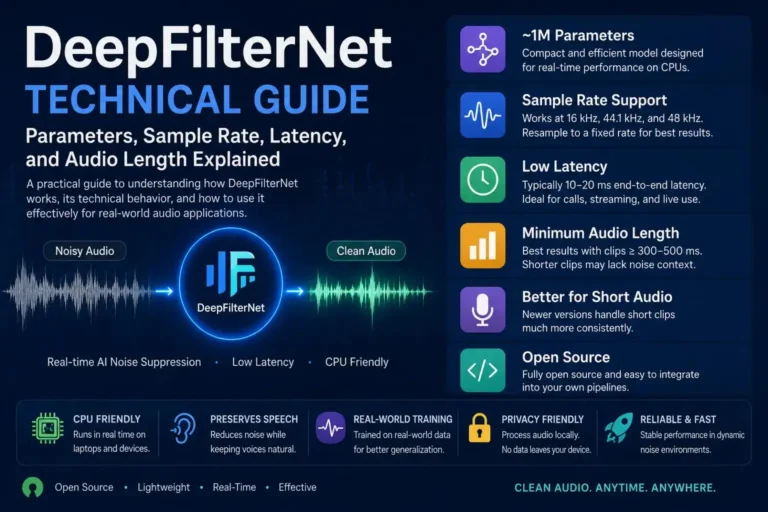
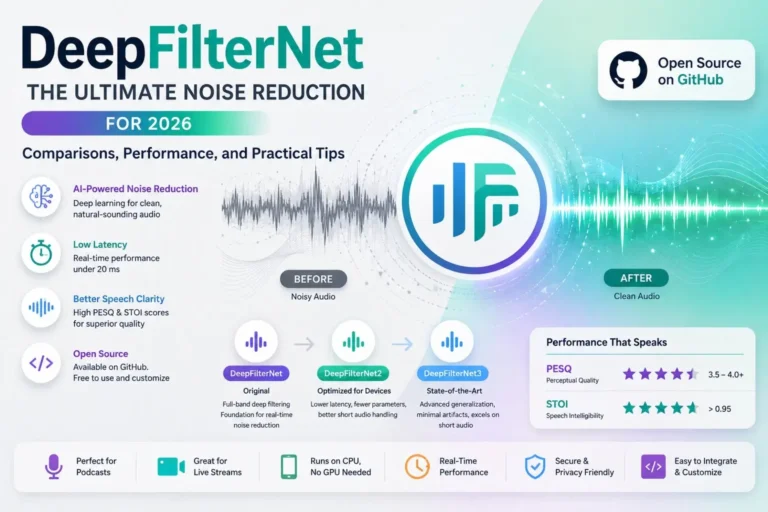
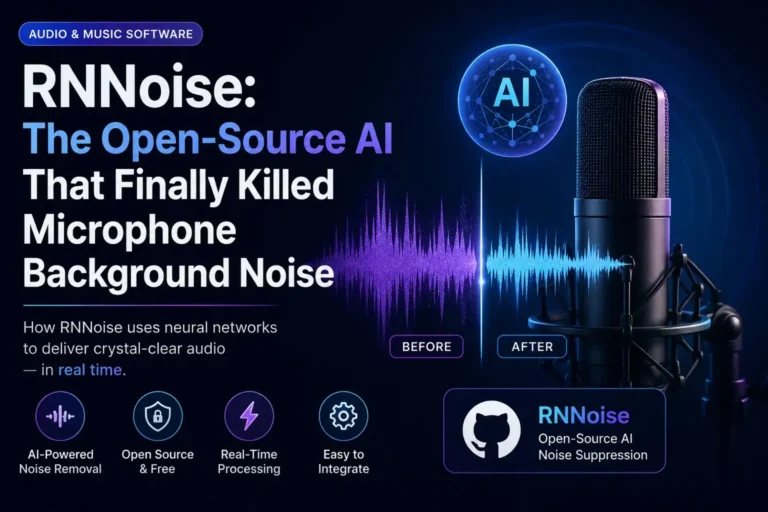
The AI behind it is DeepFilterNet — a neural network built specifically for speech enhancement. It was trained to understand what human voice looks like in audio and separate it from everything else around it.
What It Removes
- Constant background noise — fan hum, AC buzz, laptop fan, white noise
- Echo and reverb from untreated rooms
- Keyboard and mouse click sounds
- Traffic and street noise from outdoor recordings
- Music bleed from cafés, venues, TV in the background
- Dog barking, air conditioning, HVAC noise
- Hiss and static from cheap microphones
Supported File Types
Audio: MP3, WAV, FLAC, M4A, AAC, OGG, AIFF, WMA. Video: MP4, MOV, MKV, AVI, WEBM. This is a big deal. You can upload an MP4 from your vlog, your podcast recording, your Zoom export — and it handles the audio without you touching a video editor.
What It’s Good At
- Cleaning up podcast episodes recorded in untreated rooms
- Fixing vlog footage with background noise
- Salvaging field recordings with environmental noise
- Making phone or mobile recordings sound professional
- Cleaning audio before sending to transcription tools
- Removing noise from exported Zoom or Teams recordings
What It Can’t Do
- It cannot remove noise from a live call in real time
- It doesn’t work as a virtual microphone for Zoom or Teams
- It has no meeting notes, transcription, or AI summaries
- It requires a file — there’s nothing to configure for live use
Krisp — What It Actually Does
Krisp is a desktop application for Windows and Mac. Once installed, it creates a virtual microphone and a virtual speaker on your computer. You set those as your audio input and output in Zoom, Teams, Google Meet, Discord, or any other app — and from that point, Krisp sits in the middle and processes everything in real time.
The noise cancellation runs on your device. Your audio never goes to a cloud server for processing. The AI removes background noise before your voice reaches the call, typically with under 20ms of latency — so nobody hears a delay.
What Krisp Removes in Real Time
- Keyboard typing sounds
- Dog barking, baby crying, background voices
- Traffic noise, construction, street sounds
- Fan and HVAC noise
- Echo from the room you’re in
- Background chatter in open offices or co-working spaces
- Noise from the other side of the call — not just yours
The Two-Way Noise Removal
This is one of Krisp’s most useful features and it’s easy to overlook. It doesn’t just clean your microphone — it also cleans what you hear from other call participants. So if a coworker has a barking dog or a noisy office, you can filter their side too. That’s genuinely useful in a way that most noise tools aren’t.
Beyond Noise Cancellation
Krisp has grown well beyond its original noise removal roots. The paid plans include:
- Meeting transcription in 17+ languages
- AI-generated summaries — key points, decisions, action items — automatically after each call
- Accent conversion — smooths regional accents for clearer communication across international teams
- Bot-free recording — records meetings without sending a visible bot into the call
- CRM integrations on Business plan — meeting notes pushed directly to your CRM
Krisp’s Limitations
- No mobile real-time noise cancellation — the iOS and Android apps don’t support live noise removal during calls
- Requires a desktop install — it’s not a browser tool
- Free tier is limited to 60 minutes per day of noise cancellation
- Can use 3–7% CPU and 150–200MB RAM — older machines may slow down
- Some users report occasional robotic-sounding voice when noise is very loud
- Customer support response times have been criticized in G2 reviews
- Pricing increased roughly 60% for annual plans recently — frustrating for long-term users
Head-to-Head: Category by Category
Noise Removal Quality
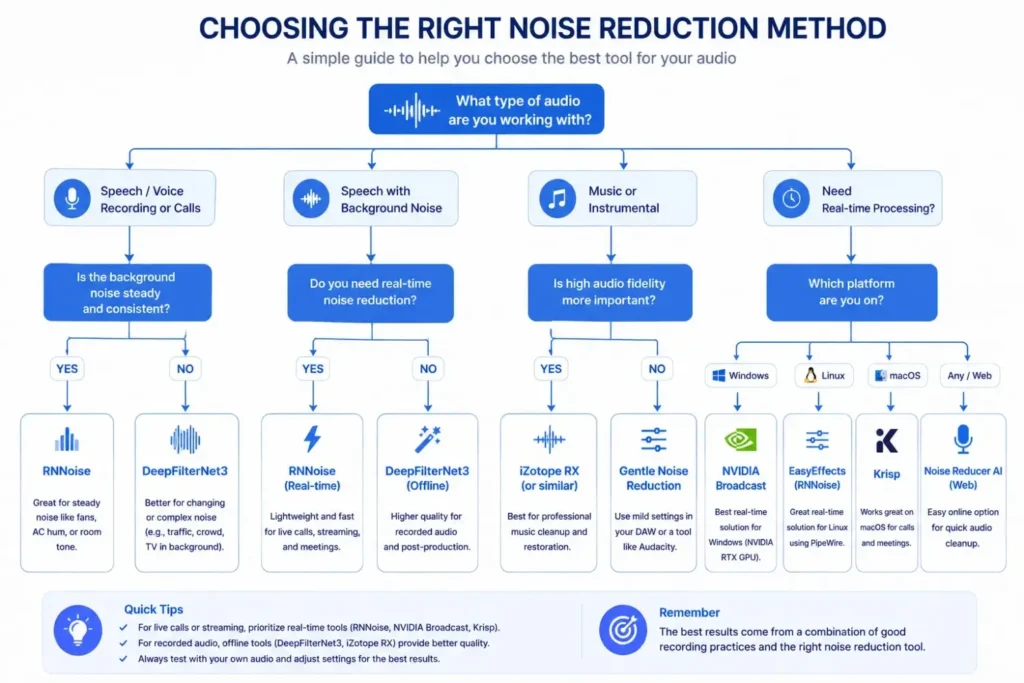
Both tools remove noise well. But they operate in completely different conditions.
Krisp processes live audio in under 20ms. It handles noise in real time and adjusts continuously as sounds change. Independent reviewers consistently rate it best-in-class for live call noise removal, with 40+ decibels of reduction in tests.
Noise Reducer AI processes recorded files where it has access to the full audio context — it can analyze the whole file, not just what’s happening in the current millisecond. This often produces cleaner results on complex noise problems like music bleed or layered background sounds, because it has more information to work with.
🤝 It Depends: For live calls, Krisp wins. For recorded files, Noise Reducer AI wins. Neither can do the other’s job.
Ease of Use
Noise Reducer AI: go to the website, upload a file, download the result. Takes about 60 seconds total. No account needed for basic use. Works on any device.
Krisp: download the desktop app, install it, set it as your microphone and speaker in your communication app. Takes 5–10 minutes to set up. After that, it runs in the background automatically.
✅ Winner: Noise Reducer AI — no install, no setup, works instantly in any browser on any device
Privacy
Krisp processes everything on your device. Your audio literally never leaves your computer. For legal professionals, healthcare workers, consultants handling sensitive client conversations — this is a real advantage. Krisp is SOC2, GDPR, HIPAA, and PCI-DSS certified.
Noise Reducer AI processes files on cloud servers. Files are deleted within 30 minutes of processing. No human listens to your recordings. But the audio does leave your device during processing.
✅ Winner: Krisp — on-device processing — audio stays on your computer, full stop
Video File Support
Noise Reducer AI accepts video files directly. Upload an MP4 from your vlog or Zoom recording. It processes the audio and returns the clean video — same resolution, same frame rate, only the audio changes.
Krisp does not process files. It has no upload function. If you have a noisy recorded video, Krisp cannot help you.
✅ Winner: Noise Reducer AI — only option for cleaning recorded video files
Pricing
Both have free tiers with limits. Krisp’s free tier gives you 60 minutes of noise cancellation per day — enough to test it, not enough for someone in back-to-back meetings.
Krisp Pro is $8 per month on annual billing ($16 monthly). That’s for unlimited noise cancellation plus transcription and AI meeting notes — a lot of value if you use all those features. If you only care about noise removal, you’re paying for features you don’t use.
Noise Reducer AI’s pricing is based on how much audio you need to process. Occasional users can stay on the free tier. Regular creators can upgrade as needed without paying for call features they don’t need.
Plan | Tool |
|---|---|
Free | Noise Reducer AI |
Free | Krisp |
Pro | Noise Reducer AI |
Pro | Krisp |
Business | Krisp |
Enterprise | Krisp |
🤝 It Depends: Depends on your usage. Krisp Pro is excellent value if you use meetings + transcription. Noise Reducer AI is better value if you only need file cleaning.
Platform and Device Support
Noise Reducer AI runs in a browser. Open Chrome on your phone, tablet, or laptop and it works. No download needed.
Krisp requires the desktop app on Windows or Mac. The mobile apps exist but don’t offer real-time noise cancellation during calls — which is the main reason most people want Krisp.
✅ Winner: Noise Reducer AI — works everywhere — any OS, any device, any browser
Meeting Features
Krisp has built a full meeting assistant on top of its noise cancellation. Transcription, summaries, action items, CRM sync, accent conversion — it’s a productivity tool, not just an audio tool.
Noise Reducer AI does not have meeting features. It’s purely an audio/video cleaning tool.
✅ Winner: Krisp — if meeting notes and transcription matter to you, it’s not even close
Can You Use Both Together?
Yes — and this is actually the ideal setup for many creators and remote workers.
Use Krisp during your recording or call to prevent noise from getting in. Then use Noise Reducer AI on the exported file to fix anything that slipped through — echo, room tone, light background hum.
Krisp prevents. Noise Reducer AI corrects. They’re not competing — they’re complementary.
Podcasters who record live interviews do this all the time. The guest uses Krisp during the call for cleaner input. The host runs the exported recording through Noise Reducer AI before publishing. The episode ends up sounding close to studio quality.
Who Should Choose Which Tool
Choose Noise Reducer AI if… | Choose Krisp if… |
|---|---|
• Podcasters cleaning up recorded episodes | • Remote workers on daily Zoom/Teams/Meet calls |
Real Scenarios — Which Tool Fits
You record guest interviews over Zoom. The guest is calling from a home with AC noise and occasional dog barking. You export the Zoom recording and the audio is messy.
Krisp during the call would have helped prevent the guest’s noise from being recorded. But if you already have the recording, Noise Reducer AI can clean the exported file. Best setup: ask the guest to use Krisp next time, and use Noise Reducer AI on the current episode.
You’re in three to four video calls a day from a home office. There’s street noise outside, kids in the next room, and the building HVAC hums constantly. You need your audio to sound clean on every call, live.
Krisp. Full stop. Install it, set it as your microphone, and forget about it. The noise is gone before it reaches your colleagues. Noise Reducer AI can’t help you here because there’s no file to upload — it’s happening live.
You recorded footage at a café. The background music and ambient noise ruined the audio. You have the MP4 file.
Noise Reducer AI. Upload the MP4, process it, download the clean version. Krisp cannot process recorded files.
You work in financial services. Every call is recorded and potentially monitored. You’re in an open office. You need noise cancellation but you also need to make sure your call audio never leaves the company’s environment.
Krisp — specifically because of the on-device processing. Your audio never touches a cloud server. The HIPAA and SOC2 compliance also matters here.
You recorded an interview outdoors. There’s wind noise, traffic, and ambient crowd sound behind the subject’s voice. You have the audio file.
Noise Reducer AI. Upload, process, done. The AI will significantly reduce the environmental noise and make the speech cleaner for editing or broadcast.
Final Verdict
Noise Reducer AI and Krisp are genuinely good tools. Neither is better overall — they’re built for different situations.
🎙️ Pick Noise Reducer AI: if you work with recorded files — podcasts, vlogs, field recordings, exported meeting recordings, mobile recordings, or any audio or video file that needs cleaning after the fact. Browser-based, no install, works on any device.
🎧 Pick Krisp: if you’re on live calls every day and need your audio to sound clean in real time — remote work, call centers, sales, streaming. The meeting notes and transcription are a strong bonus if you use those features.
💡 Use both: if you record live and then publish. Krisp during the session for cleaner input. Noise Reducer AI on the exported file before publishing. That two-step workflow gives you the best possible result.
Try Noise Reducer AI Free
No software to install. No account required. Works in your browser on any device.
Noise Reducer AI is an AI-powered audio enhancement platform designed to remove background noise, improve voice clarity, and enhance sound quality. Built for creators, professionals, and everyday users, it offers a fast, free, and easy way to clean audio without technical complexity.
Frequently Asked Questions
Check out these frequently asked questions to find quick answers and helpful tips!