
Remove Background Noise from Audio – Ultimate Noise Reducer & Audio Enhancer
Remove Background Noise with the No.1 Free AI Noise Remover. Noise Reducer AI is the fastest online noise reduction tool trusted by 500,000+ creators around the world. Upload MP3, WAV, MP4, MOV — get crystal-clear audio instantly. Zero software, zero payment, zero effort.
At Noise Reducer AI, we understand that high-quality audio is the heartbeat of modern communication. That is why we have engineered our platform to go beyond simple filtering; we utilize advanced AI frameworks like DeepFilterNet to ensure your voice remains crisp while we aggressively eliminate background distractions like wind, traffic, and fan hum.
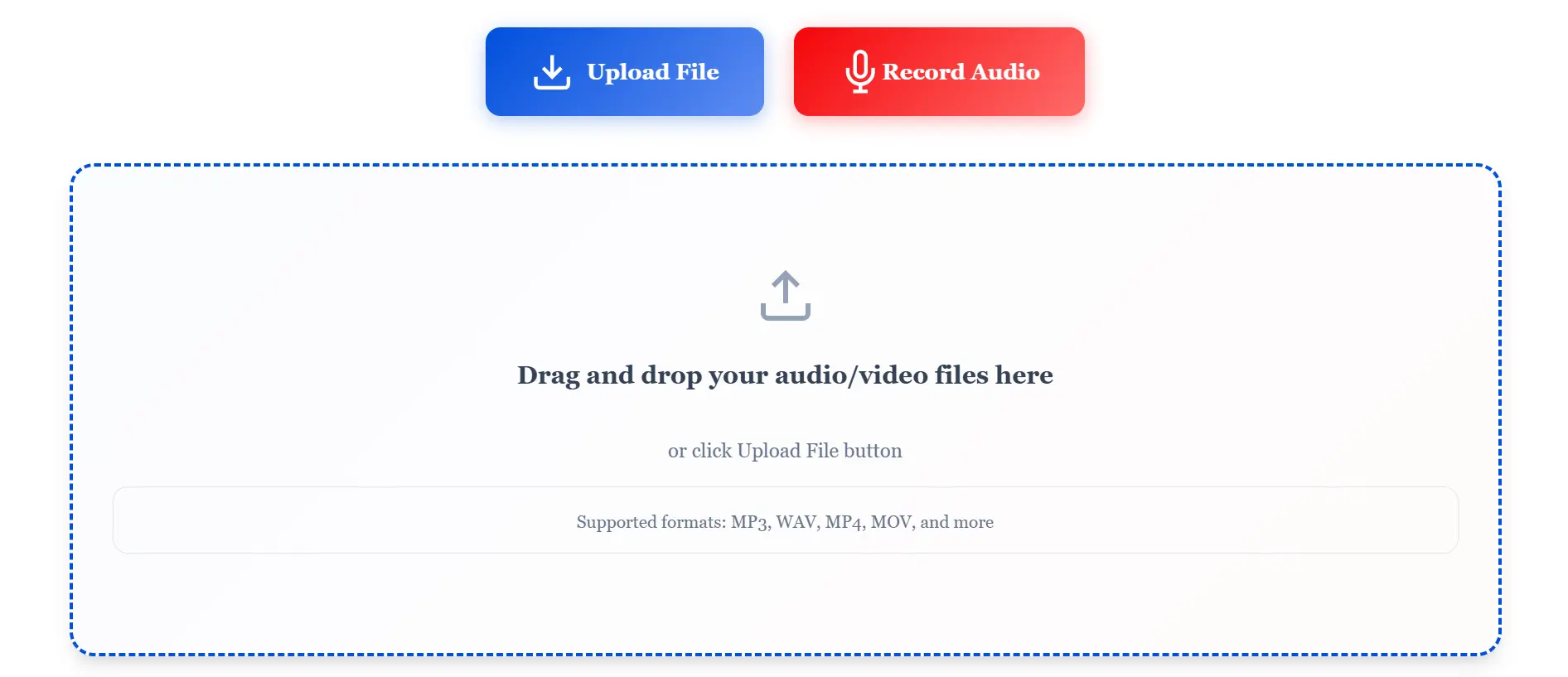
Drag and drop your audio/video files here
or click Upload File buttonHear the Difference with Noise Reducer
Tool Screen Shots
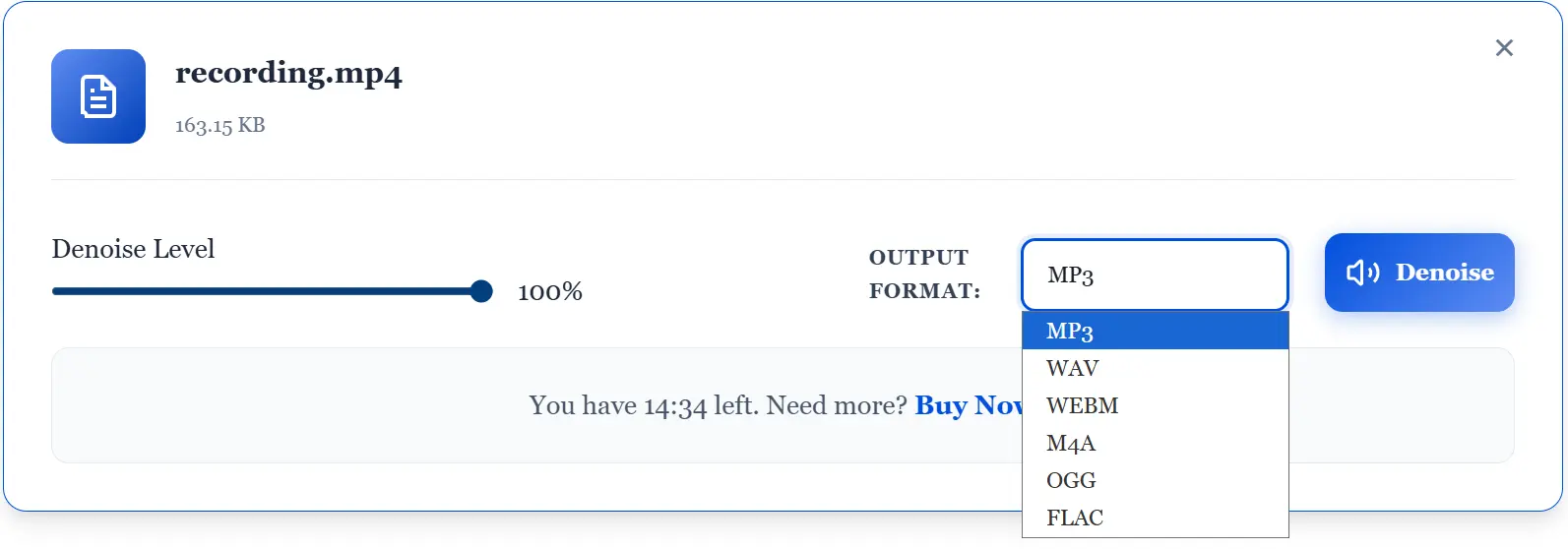
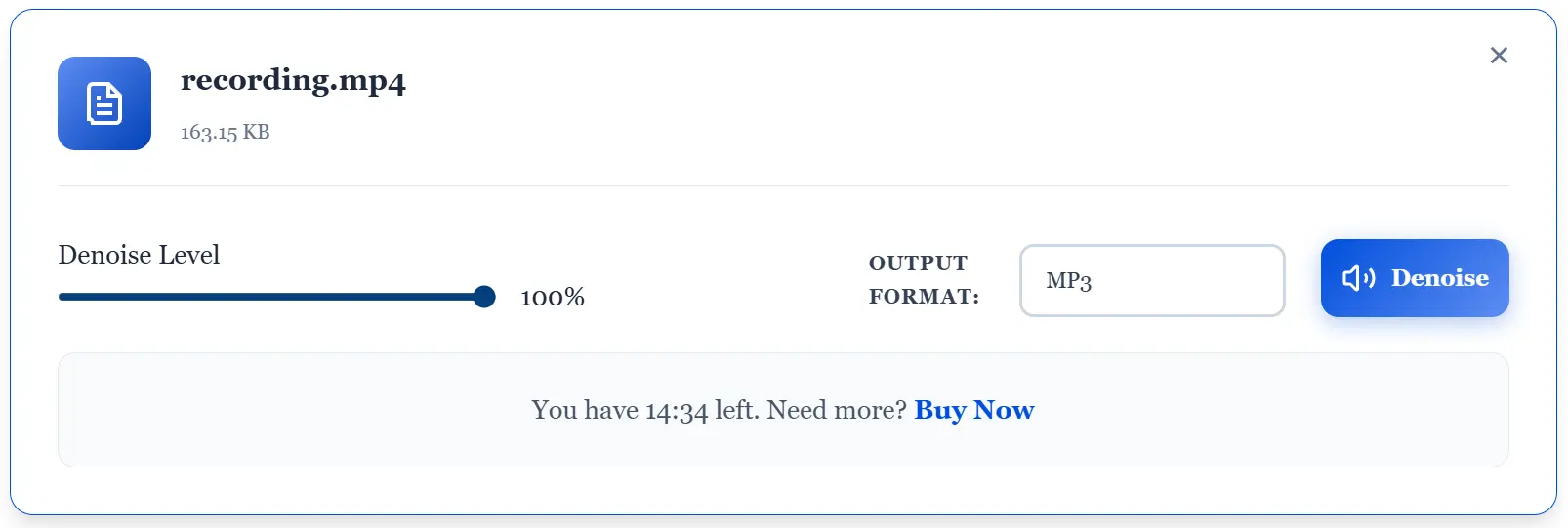
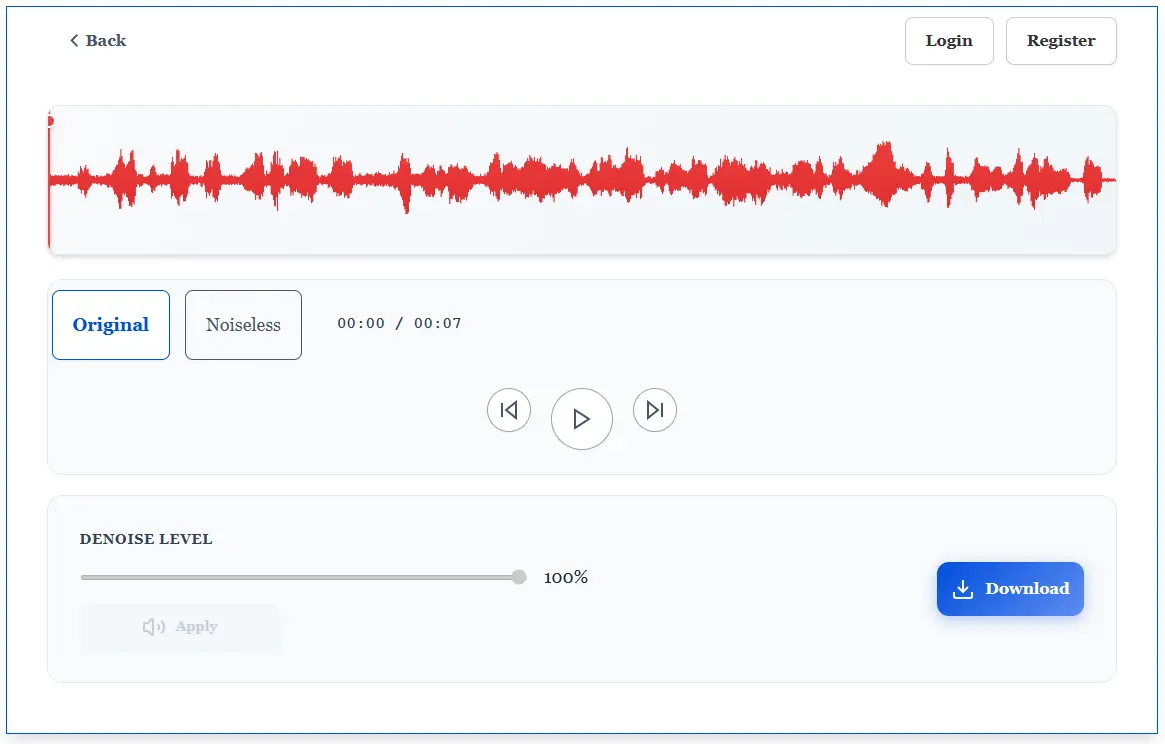
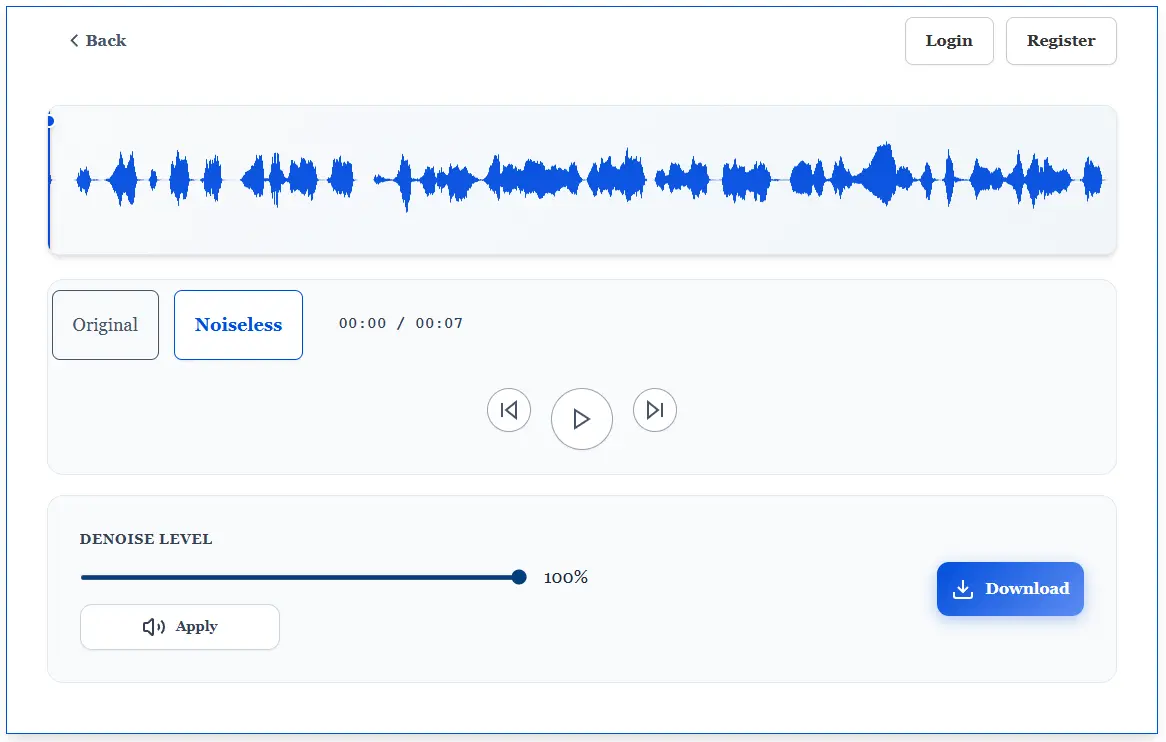

The Core Technology: Deep Neural Networks in Audio
The architecture of Noise Reducer AI is centered around the DeepFilterNet framework, a state-of-the-art Deep Neural Network (DNN) designed for real-time speech enhancement in complex acoustic environments. Unlike traditional Digital Signal Processing (DSP) methods such as spectral gating or basic subtraction, which often introduce audible artifacts and “musical noise,” our engine operates in the STFT (Short-Time Fourier Transform) domain to perform precise vocal isolation.
By mapping a perceptual loss function across the frequency spectrum, the AI effectively distinguishes between non-stationary background noise—like wind, traffic, or keyboard typing—and the primary speech signal. This ensures that even when processing high-bitrate WAV or MP3 files, the output maintains its original harmonic integrity and 48kHz high-fidelity resolution.

Why Use Our Noise Reducer?
Many tools promise high-quality results, but not all deliver what they promise. Our AI Noise Reduction technology stands out because it not only removes background noise but also improves and enhances your audio/video. Here’s why it’s a great choice:

Why Choose Us?
Our AI noise remover doesn’t just remove noise — it completely obliterates every annoying sound that sneaks into your recordings. Here’s the hit list:
What Makes Us Special?
Our AI-powered tool doesn’t just remove noise; it gives you a top-quality experience every time. Whether you’re reducing noise or boosting volume, we focus on giving you professional results that stand out. Here’s what makes us different:
We’re bringing something exclusive for our users in Asia, America and specifically Europe. Noise Reducer AI now comes with features and plans tailored for the region. Whether you’re an Indian student, a YouTuber in Canada, or a business professional hosting online meetings, our AI-powered noise reduction tool ensures high-quality audio at an affordable price. With regional support and accessibility in mind, we’re committed to making crystal-clear sound available to everyone across America and Europe.
Key Features Of Our Background Noise Reducer
Our noise reducer has the following helpful features:
Works with Multiple Formats
Our tool supports all major audio and video formats, like MP3, WAV, MP4, and many more.
Built-In Noise-Free Recorder
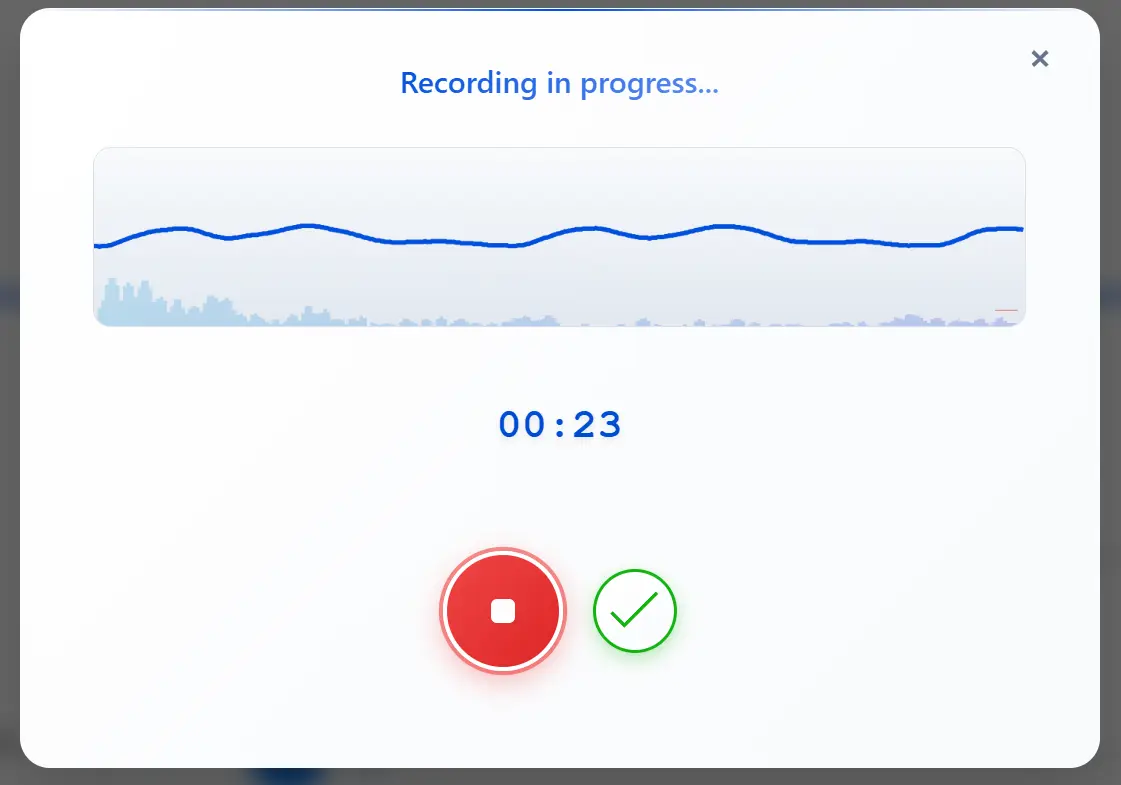
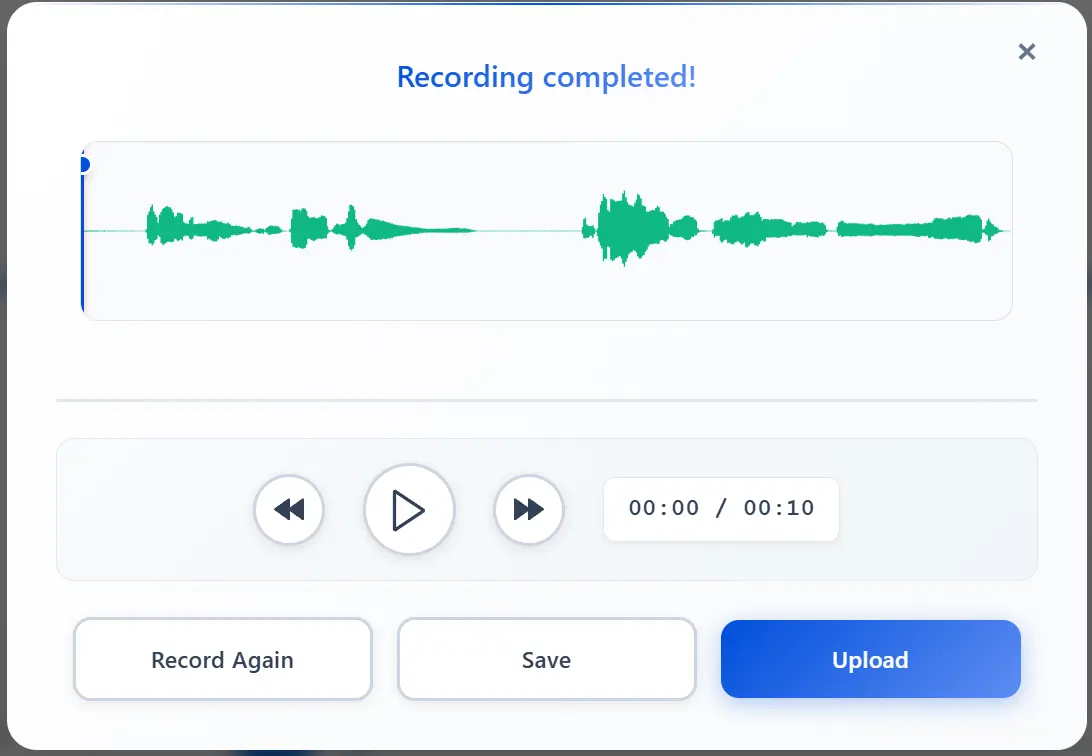
Record audio directly in our tool and skip the noise from the start! Our built-in recorder helps you record clean and noise-free recordings.
Echo Reduction
Automatically reduce the echos, aka reverb, in your recordings. Save your money from needing to buy acoustic foam panels for your recording studio!
Auto Volume
Automatically adjust volume levels for the most pleasant sound! All with a click of a button.
Crystal-Clear Audio
Say goodbye to annoying hissing and humming sounds. Enjoy clear, sharp audio that’s easy to listen to.
Simple
Interface
We provide a simple and easy interface for your ease. Upload your noisy recording and get a clean and enhanced one.
Perfect for Everyone
Our noise reducer isn’t just for one type of user. It’s perfect for:
Thousands of creators in India and Philippines are already improving their sound with Noise Reducer AI. From YouTube videos and reels to professional voiceovers, our tool helps Indian content makers stand out with noise-free audio.

Understanding Noise Reduction: Why Clean Audio Matters
Background noise isn’t just annoying – it makes people click away. Your audience will tolerate shaky video before they’ll sit through muffled dialogue with a fan humming in the background.
The problem is our brains have to work overtime separating your voice from interference. That mental effort is exhausting. Whether it’s air conditioning hum, keyboard clicks during calls, traffic bleeding through windows, or that hollow echo from recording in an empty room – each type needs different handling.
AI-powered solutions recognize patterns instead of applying blanket rules. Traditional filters might cut “everything below this frequency,” which can strip out parts of your voice or make things sound processed and hollow. See details on blog post. AI learns what human speech looks like in audio form, then removes everything else while keeping your voice natural.
For creators in regions without access to professional recording setups, this levels the playing field. You don’t need acoustic foam on your walls or expensive microphones to sound legitimate.
Noise Remover vs Noise Reducer: What’s Actually Different?
These terms get used interchangeably, but there’s a practical difference worth knowing.
A noise remover aims for complete elimination. Someone coughs during your interview? Dog barks in the background? It erases these like they never happened. This works when unwanted sounds are clearly separate from your main audio.
A noise reducer minimizes rather than deletes. When noise is constant – refrigerator hum, traffic, electronic buzz – complete removal would damage your voice too. Instead, it turns down the volume so noise drops into the background. It doesn’t vanish, but it stops being distracting.
The best tools do both. They remove what can be cleanly eliminated and reduce what needs managing. Because completely silent backgrounds actually sound weird and artificial – our ears expect some ambient noise.
When choosing tools, think about your environment. Consistently noisy space with predictable sounds? You need reduction. Random interruptions and one-off noises? You want removal. Most people need both.

Noise Cancellation: Real-Time vs Post-Processing

Noise cancellation typically means real-time interference blocking – your AirPods on a plane or the “suppress background noise” button on Zoom. It’s happening live as you speak.
The technology uses microphones to detect ambient sound, then generates an inverse wave to cancel it out. Works great for constant noise like engines or AC. Less effective for random sounds like conversations.
Here’s the key difference for creators: noise cancellation is usually hardware (headphones, mics) or live software. If you’ve already recorded your audio and you’re fixing it afterward, that’s noise reduction, not cancellation.
Real-time cancellation has to make split-second decisions. It can’t analyze your entire recording and make careful adjustments. Post-recording cleanup with AI often gets better results because it can study patterns across your whole file.
Best approach? Use decent gear during recording, then clean up what’s left afterward. Don’t rely entirely on real-time cancellation.
Audio Denoising: The Technical Side of Clean Sound
Audio denoising is the technical term for removing unwanted sound from recordings. It covers everything from basic filters to complex AI algorithms.
Traditional denoising breaks audio into frequency bands, identifies which contain speech versus noise, then suppresses noisy frequencies. Works okay but requires manual tweaking and can sound robotic if pushed too hard.
AI denoising learns what clean speech looks like, then removes anything that doesn’t match. Handles complex, shifting noise much better than frequency-based methods. Trade-off is processing time – but the results are worth the extra minute.
Good denoising also considers the noise floor – that baseline background hum. Eliminating it completely makes audio sound unnatural. The goal is reducing it to non-distracting levels while keeping enough ambient presence that your voice doesn’t sound like it’s floating in a void.
Solving Common Acoustic Challenges
Recording outside a professional studio often leads to persistent environmental interference. Noise Reducer AI acts as a comprehensive problem-solution engine for the most common acoustic hurdles in noise reduction. Whether it is the low-frequency drone of an AC or PC fan, the erratic frequency of wind and traffic, or the high-frequency microphone hiss caused by low-end hardware, our AI identifies the noise profile and subtracts it with surgical precision. For users struggling with “boxy” or “echoey” audio, our engine also assists in reverb reduction, tightening the vocal track to make it sound like it was recorded in a treated studio environment.
Why Creators Call Us the Best Noise Reduction Tech
What Our Users Are Saying
We’ve helped thousands of people improve their audio and video. Here’s what some of them had to say:
I’ve been using it for a while now. Honestly, it’s the only tool I’ve found that really works and gives pretty good results. वाह! कितना बढ़िया बनाया है!

I love this. I just uploaded my audio and got the work done. To be honest it’s amazing. Thanks to the developers for providing such services. यार, ये तो जबरदस्त है!
I need clean audio for work presentations. This tool has made a huge difference. It saved my time and helped me a lot. Wah, tool-nya keren banget!



Context-Aware Noise Suppression for Diverse Acoustic Profiles
The versatility of AI-driven noise reduction extends across various professional and academic sectors. For educational institutions, our tool Noise Reduccer AI serves as an essential resource for cleaning lecture recordings and seminar audio, ensuring that students receive high-clarity files ready for AI transcription services.
In the realm of digital journalism, reporters utilize our vocal isolation technology to rescue interviews conducted in high-traffic or windy environments. Furthermore, for remote workers and conference participants, Noise Reducer AI offers a post-processing solution to eliminate persistent fan hum, AC drone, and reverb from recorded Zoom or Google Meet sessions. This comprehensive focus on speech intelligibility ensures that your message remains clear, regardless of the recording environment.
How to Remove Background Noise in 3 Easy Steps
Cleaning up your audio and video is quick and simple. Plus, it’s completely free.

Record or Upload Your Audio/Video
Start a new recording or upload an existing file to continue.

Adjust and Denoise
Tweak the settings if you want, then let the tool clean up your audio or video.

Download Your File
Choose your preferred format and download the cleaned-up audio or video.

Noise Reducer AI is an AI-powered audio enhancement platform designed to remove background noise, improve voice clarity, and enhance sound quality. Built for creators, professionals, and everyday users, it offers a fast, free, and easy way to clean audio without technical complexity.
Frequently Asked Questions
Check out these frequently asked questions to find quick answers and helpful tips!